In this article, you will learn how to evaluate large language model applications using RAGAs and G-Eval-based frameworks in a practical, hands-on workflow.
Topics we will cover include:
- How to use RAGAs to measure faithfulness and answer relevancy in retrieval-augmented systems.
- How to structure evaluation datasets and integrate them into a testing pipeline.
- How to apply G-Eval via DeepEval to assess qualitative aspects like coherence.
Let’s get started.
A Hands-On Guide to Testing Agents with RAGAs and G-Eval
Image by Editor
Introduction
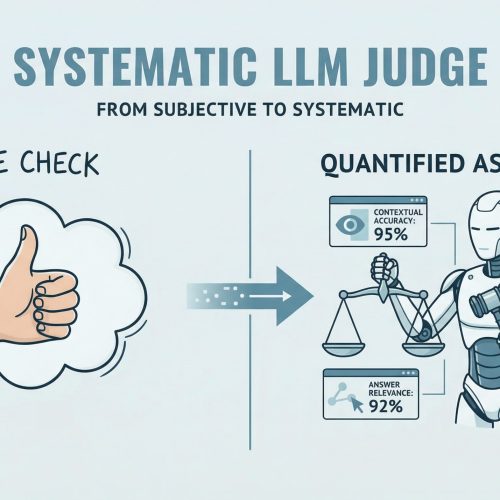
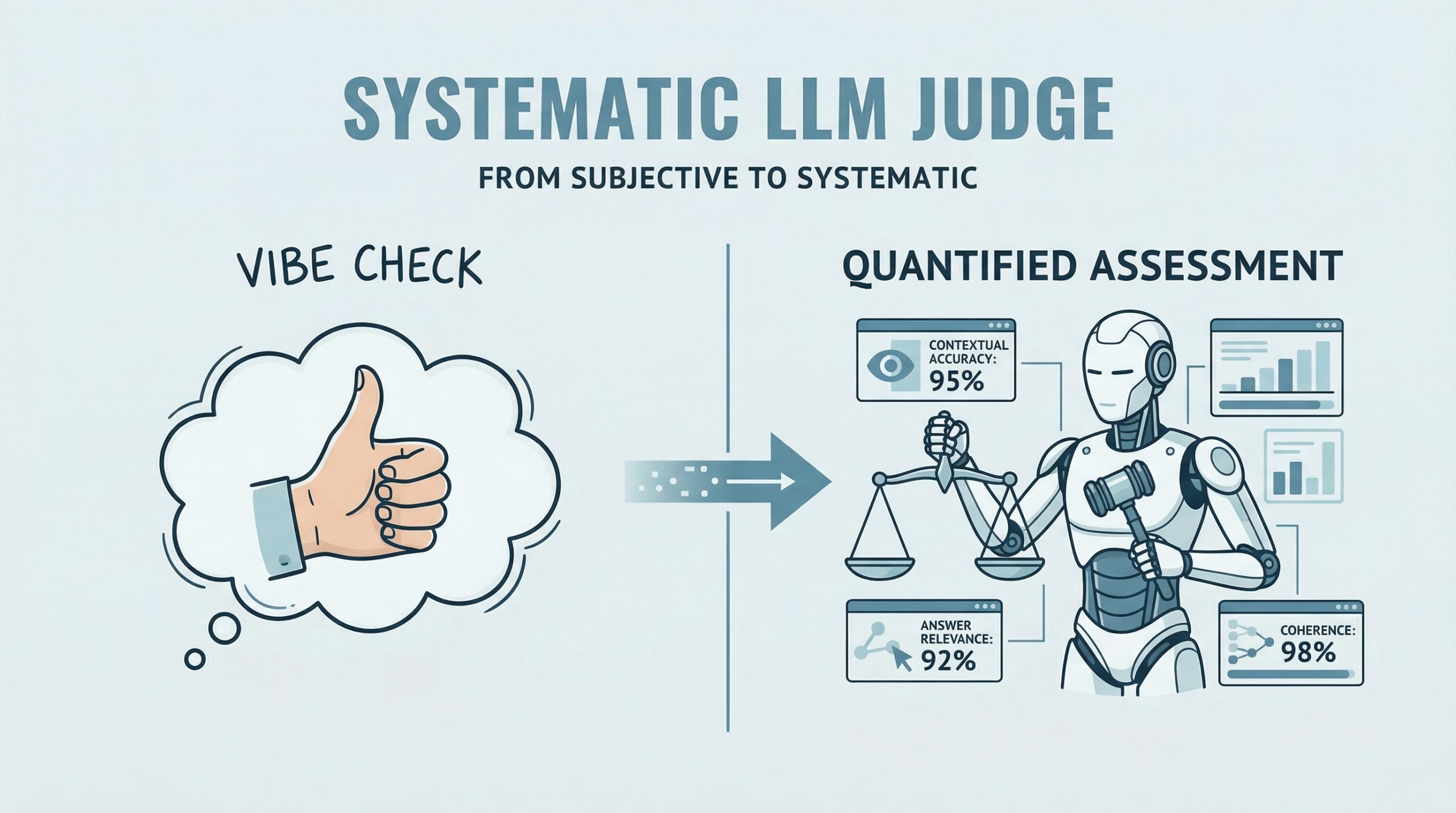
RAGAs (Retrieval-Augmented Generation Assessment) is an open-source evaluation framework that replaces subjective “vibe checks” with a systematic, LLM-driven “judge” to quantify the quality of RAG pipelines. It assesses a triad of desirable RAG properties, including contextual accuracy and answer relevance. RAGAs has also evolved to support not only RAG architectures but also agent-based applications, where methodologies like G-Eval play a role in defining custom, interpretable evaluation criteria.
This article presents a hands-on guide to understanding how to test large language model and agent-based applications using both RAGAs and frameworks based on G-Eval. Concretely, we will leverage DeepEval, which integrates multiple evaluation metrics into a unified testing sandbox.
If you are unfamiliar with evaluation frameworks like RAGAs, consider reviewing this related article first.
Step-by-Step Guide
This example is designed to work both in a standalone Python IDE and in a Google Colab notebook. You may need to pip install some libraries along the way to resolve potential ModuleNotFoundError issues, which occur when attempting to import modules that are not installed in your environment.
We begin by defining a function that takes a user query as input and interacts with an LLM API (such as OpenAI) to generate a response. This is a simplified agent that encapsulates a basic input-response workflow.
|
import openai
def simple_agent(query): # NOTE: this is a ‘mock’ agent loop # In a real scenario, you would use a system prompt to define tool usage prompt = f“You are a helpful assistant. Answer the user query: {query}”
# Example using OpenAI (this can be swapped for Gemini or another provider) response = openai.chat.completions.create( model=“gpt-3.5-turbo”, messages=[{“role”: “user”, “content”: prompt}] ) return response.choices[0].message.content |
In a more realistic production setting, the agent defined above would include additional capabilities such as reasoning, planning, and tool execution. However, since the focus here is on evaluation, we intentionally keep the implementation simple.
Next, we introduce RAGAs. The following code demonstrates how to evaluate a question-answering scenario using the faithfulness metric, which measures how well the generated answer aligns with the provided context.
|
from ragas import evaluate from ragas.metrics import faithfulness
# Defining a simple testing dataset for a question-answering scenario data = { “question”: [“What is the capital of Japan?”], “answer”: [“Tokyo is the capital.”], “contexts”: [[“Japan is a country in Asia. Its capital is Tokyo.”]] }
# Running RAGAs evaluation result = evaluate(data, metrics=[faithfulness]) |
Note that you may need sufficient API quota (e.g., OpenAI or Gemini) to run these examples, which typically requires a paid account.
Below is a more elaborate example that incorporates an additional metric for answer relevancy and uses a structured dataset.
|
test_cases = [ { “question”: “How do I reset my password?”, “answer”: “Go to settings and click ‘forgot password’. An email will be sent.”, “contexts”: [“Users can reset passwords via the Settings > Security menu.”], “ground_truth”: “Navigate to Settings, then Security, and select Forgot Password.” } ] |
Ensure that your API key is configured before proceeding. First, we demonstrate evaluation without wrapping the logic in an agent:
|
import os from ragas import evaluate from ragas.metrics import faithfulness, answer_relevancy from datasets import Dataset
# IMPORTANT: Replace “YOUR_API_KEY” with your actual API key os.environ[“OPENAI_API_KEY”] = “YOUR_API_KEY”
# Convert list to Hugging Face Dataset (required by RAGAs) dataset = Dataset.from_list(test_cases)
# Run evaluation ragas_results = evaluate(dataset, metrics=[faithfulness, answer_relevancy]) print(f“RAGAs Faithfulness Score: {ragas_results[‘faithfulness’]}”) |
To simulate an agent-based workflow, we can encapsulate the evaluation logic into a reusable function:
|
1 2 3 4 5 6 7 8 9 10 11 12 13 14 15 16 17 |
import os from ragas import evaluate from ragas.metrics import faithfulness, answer_relevancy from datasets import Dataset
def evaluate_ragas_agent(test_cases, openai_api_key=“YOUR_API_KEY”): “”“Simulates a simple AI agent that performs RAGAs evaluation.”“”
os.environ[“OPENAI_API_KEY”] = openai_api_key
# Convert test cases into a Dataset object dataset = Dataset.from_list(test_cases)
# Run evaluation ragas_results = evaluate(dataset, metrics=[faithfulness, answer_relevancy])
return ragas_results |
The Hugging Face Dataset object is designed to efficiently represent structured data for large language model evaluation and inference.
The following code demonstrates how to call the evaluation function:
|
my_openai_key = “YOUR_API_KEY” # Replace with your actual API key
if ‘test_cases’ in globals(): evaluation_output = evaluate_ragas_agent(test_cases, openai_api_key=my_openai_key) print(“RAGAs Evaluation Results:”) print(evaluation_output) else: print(“Please define the ‘test_cases’ variable first. Example:”) print(“test_cases = [{ ‘question’: ‘…’, ‘answer’: ‘…’, ‘contexts’: […], ‘ground_truth’: ‘…’ }]”) |
We now introduce DeepEval, which acts as a qualitative evaluation layer using a reasoning-and-scoring approach. This is particularly useful for assessing attributes such as coherence, clarity, and professionalism.
|
1 2 3 4 5 6 7 8 9 10 11 12 13 14 15 16 17 18 19 20 21 |
from deepeval.metrics import GEval from deepeval.test_case import LLMTestCase, LLMTestCaseParams
# STEP 1: Define a custom evaluation metric coherence_metric = GEval( name=“Coherence”, criteria=“Determine if the answer is easy to follow and logically structured.”, evaluation_params=[LLMTestCaseParams.INPUT, LLMTestCaseParams.ACTUAL_OUTPUT], threshold=0.7 # Pass/fail threshold )
# STEP 2: Create a test case case = LLMTestCase( input=test_cases[0][“question”], actual_output=test_cases[0][“answer”] )
# STEP 3: Run evaluation coherence_metric.measure(case) print(f“G-Eval Score: {coherence_metric.score}”) print(f“Reasoning: {coherence_metric.reason}”) |
A quick recap of the key steps:
- Define a custom metric using natural language criteria and a threshold between 0 and 1.
- Create an
LLMTestCaseusing your test data. - Execute evaluation using the
measuremethod.
Summary
This article demonstrated how to evaluate large language model and retrieval-augmented applications using RAGAs and G-Eval-based frameworks. By combining structured metrics (faithfulness and relevancy) with qualitative evaluation (coherence), you can build a more comprehensive and reliable evaluation pipeline for modern AI systems.